

On 29 October 2026, Synology announced that threat actors are actively exploiting a security flaw to attack NAS devices running old versions of DSM (DiskStation Manager). The attackers aim to encrypt your data and demand ransom. If your business runs a Synology NAS, you must update DSM now.
What is the vulnerability?
Synology says a vulnerability was patched in December 2024. Threat actors have now begun using this known flaw to target organisations that have not applied the update. They focus on systems still running vulnerable versions of DSM. The attack encrypts files and extorts payment from affected businesses.
Who does this affect?
Any Malaysian business running a Synology NAS or surveillance system with an outdated version of DSM is at risk. This includes:
- Single DiskStation units in small offices
- Multi-site NAS estates in larger organisations
- Synology surveillance systems that use DSM
- Backup appliances that have not been updated
If your system has not received security updates since December 2024, you are exposed.
What should you do right now?
Synology urges all users to update DSM immediately. The company also recommends enabling automatic updates so your system stays current with future security patches. Check your DSM version and apply all available updates without delay.
For technical details, refer to Synology's full announcement and security advisory Synology-SA-24:20.
Why does this matter for your business?
Ransomware attacks can halt operations, damage reputation and lead to expensive data recovery. If your NAS holds customer data, financial records or surveillance footage, an attack puts your business at legal and financial risk. Keeping DSM up to date is one of the most important steps you can take to avoid this threat.
Ryzen eSolutions can check your Synology systems, apply the latest updates and help you set up automatic patching. We also offer backup and data protection services to safeguard your business. Contact us today for a security review, or visit our Synology partnership page to learn more.
Source: Synology urges users to update DSM following ransomware attacks on outdated DSM versions, published by Synology on 29 October 2026.
Products for this job
Hardware and licences are supplied through our sister shop PrinterBullet. Prices are today's.
 Synology MailPlus 20 License Pack
RM 5,449.00
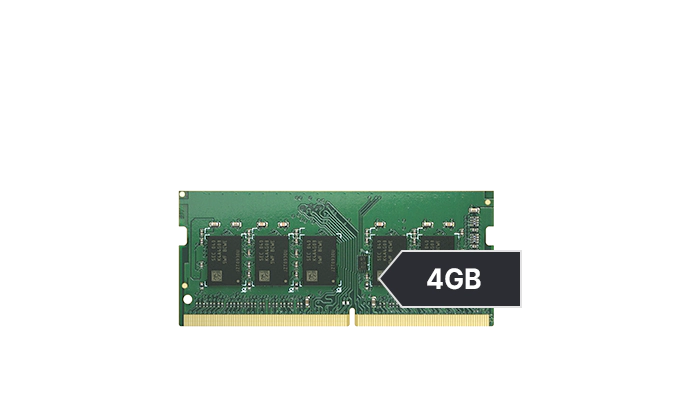 Synology 4GB RAM Module for DS925+ (D4ES04-4G)
RM 1,859.00
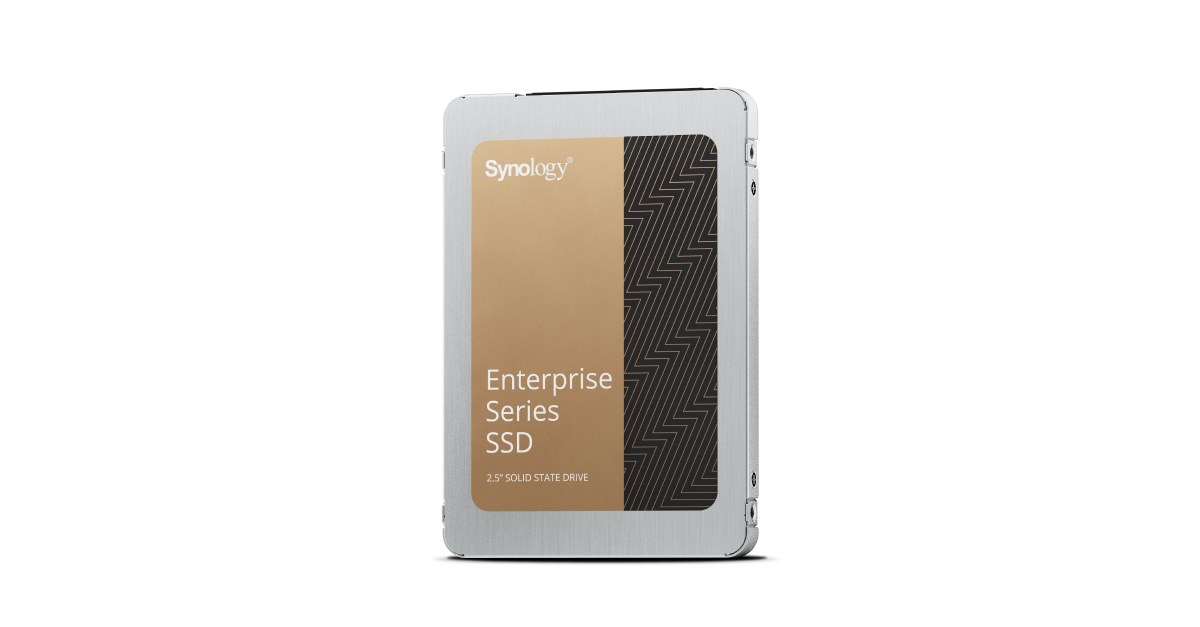 Synology 1.92TB 2.5" Enterprise-Grade SATA SSD (SAT5221-1920G)
RM 8,979.00
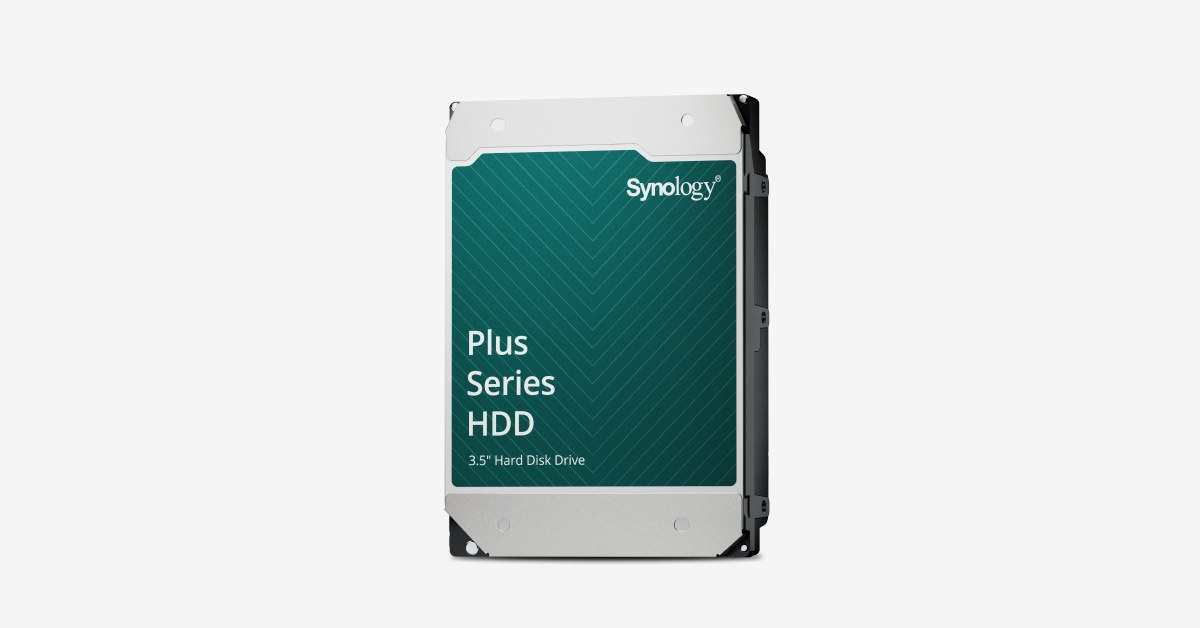 Synology 4TB Plus Series HDD (HAT3300-4T)
RM 1,139.00
Frequently asked questions
When was the vulnerability that attackers are exploiting patched?
Synology patched the vulnerability in December 2024. Threat actors are now targeting devices that have not applied this ten-month-old security update.
Can automatic DSM updates protect me from future attacks?
Yes. Synology recommends enabling automatic updates to keep DSM current with security patches. This ensures your system receives fixes as soon as they are released.
What should I do if I think my Synology has been attacked?
Update DSM immediately and isolate the NAS from the network if you suspect compromise. Contact Ryzen eSolutions or Synology support urgently for help investigating and recovering your data.
Talk this through with an engineer
Free, technical, and specific to your site — that's the consultation.
Book a Consultation