

Laptops fail for reasons you can predict and often prevent: thermal stress from blocked vents, sudden power loss during TNB outages, worn batteries that won't hold charge, and hard drives that click before they die. Knowing what to check first saves you time, money, and the scramble to find a spare device when someone's machine stops working on a Monday morning.
What causes most laptop failures?
Most failures fall into a small number of categories. Heat kills components—a fan clogged with dust, a blocked air intake, or a room that hits 35 degrees Celsius in the afternoon will shorten a laptop's life by years. Power surges and sudden shutdowns from TNB trips corrupt the hard drive and damage charging circuits. Batteries wear out after 300 to 500 charge cycles; a three-year-old laptop battery becomes unreliable. Mechanical faults—a hinge that cracks, a keyboard that fails key by key, a trackpad that stops responding—often make repair uneconomical.
Water damage from monsoon season leaks or a spilled coffee is usually fatal. A laptop that gets wet will corrode the motherboard; even if it powers on, it fails unpredictably weeks later.
What should you check when a laptop stops working?
- Does it power on at all? If not, try a different power outlet and a different charging cable—the charger fails more often than the laptop.
- If it starts, does it shut down after a few minutes? This is almost always heat. Feel the air vents; if they're hot or blocked, shut it down and clean them with compressed air.
- Can you hear the hard drive? A clicking or beeping sound means the drive is failing. Back up data immediately if you can access the desktop.
- Is the battery completely dead? Some laptops won't power on with a dead battery even when plugged in. Leave it charging for 30 minutes and try again.
- Does it boot but run slowly, freeze, or crash? The drive might be failing, or malware might be running. This needs diagnosis, not guesswork.
Heat and dust: the silent killers
Most laptops in Malaysia run too hot. Air conditioning helps, but offices with open shophouse layouts, factories without proper ventilation, or desks near windows get direct sun and heat build-up. Dust from construction sites, cement factories, or just the humid tropical air clogs the heatsink fins within months.
Check the vents every three months. If air doesn't flow freely, shut down and use compressed air to blow dust out—do this outdoors or in a well-ventilated space so the dust doesn't go back into the air intake. A laptop that runs cooler lasts longer and performs better.
Power surges and outages: why backup matters
A sudden power loss doesn't just turn off a laptop—it can corrupt the file system, damage the charging circuit, and make the drive unbootable. Malaysia's power grid is reliable compared to many places, but storms, overloads, and works nearby still cause trips.
The fix is not a more expensive laptop; it's managed backup and patching that catches disk errors before they become catastrophic. A properly imaged device can be rebuilt quickly. A device with no backup and no imaging standard becomes a recovery project.
When a repair costs more than replacement
Laptop repairs are not always worth doing. A screen replacement, a motherboard fault, or a keyboard repair might cost RM 800 to RM 1,200 on a machine that cost RM 2,500 three years ago. If your device is more than three years old and the repair exceeds a third of a replacement cost, retire it.
A fleet managed with a lifecycle plan avoids this decision crisis. Devices are refreshed before they fail, not after. Loan units mean downtime measured in hours, not weeks.
When you don't need this
If your business has fewer than five laptops and you don't mind the occasional downtime, you might get by with ad hoc repairs and no formal lifecycle plan. You'll spend more per device over time, and you'll lose productivity, but it's possible. Most businesses of any size find that a planned approach to device lifecycle costs less and causes fewer headaches.
What a proper device lifecycle looks like
Devices arrive imaged and ready on day one. Patching, warranty tracking, and repairs happen inside a managed contract so you never go looking for who owns the problem. When a device fails, a loan unit arrives so the user keeps working. After three to four years, machines are refreshed by age and failure data, not by panic. That's the difference between a fleet and a pile.
If your current setup is laptops bought on promotion, set up by hand, and retired by drawer, a lifecycle plan will pay for itself in the first year. Read about endpoint and device lifecycle management or contact us for a free consultation.
Products for this job
Hardware and licences are supplied through our sister shop PrinterBullet. Prices are today's.
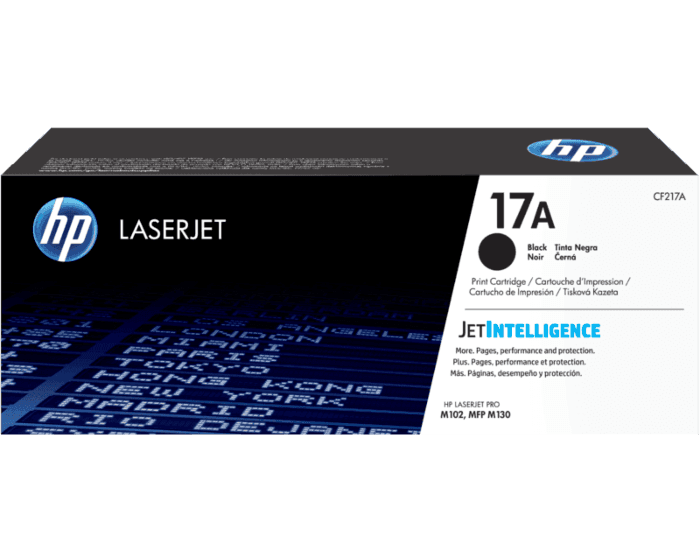 HP 17A Black Original LaserJet Toner Cartridge (CF217A)
RM 344.00
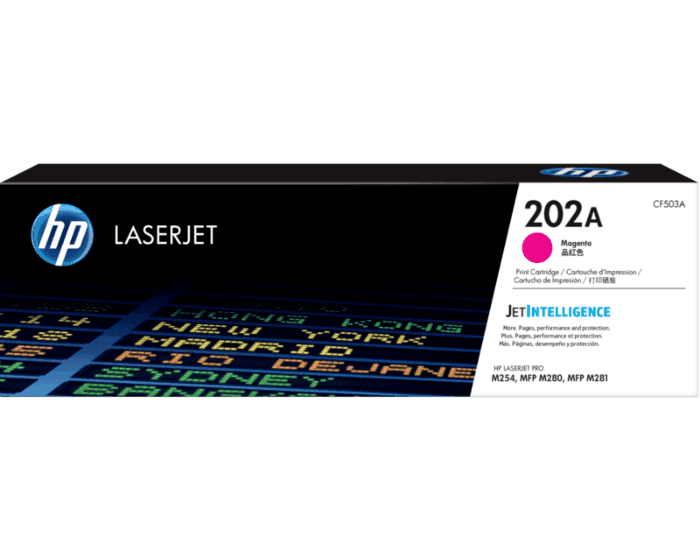 HP 202A Magenta LaserJet Toner Cartridge (CF503A)
RM 396.00
 Compatible HP CF219A (19A) Black Drum Toner Cartridge
RM 120.00
 HP 925 Black Ink Cartridge (4K0V9PA)
RM 118.00
Frequently asked questions
Why do laptops overheat in Malaysia?
Tropical heat, dust, and poor ventilation in open offices clog heatsink fins. Air conditioners help, but direct sun and dust from construction or industrial areas speed up buildup. Clean vents every three months.
What does a clicking hard drive sound mean?
A clicking or beeping sound is a sign the hard drive is failing mechanically. Back up your data immediately if the laptop still powers on. Replacement or device refresh is usually the only option.
Can a laptop survive a power surge?
Some do, some don't. Power surges can damage the charging circuit and corrupt the file system. Even if the laptop powers on, it may fail unpredictably later. Proper backups and imaging are your protection.
Is it worth repairing a laptop that's three years old?
Only if the repair costs less than a third of a replacement device. Battery, screen, and keyboard repairs are often uneconomical on older machines. A lifecycle plan lets you refresh before major faults happen.
Talk this through with an engineer
Free, technical, and specific to your site — that's the consultation.
Book a Consultation