

A 3-2-1 backup strategy means three copies of your data, stored on two different types of media, with one copy kept off-site. For small and medium businesses with tight budgets, this is the most cost-effective way to survive a server failure, ransomware attack, or accidental deletion without going bust.
Why three copies matter
One backup is not a backup; it is a single point of failure. Two copies protect you against one disaster. Three copies let you keep working while the second copy is being restored or checked. The first copy lives on your production server or network drive — this is your working data. The second copy sits on local storage, typically a NAS box in your office or shophouse. The third copy lives in the cloud, somewhere your office fire or monsoon flood cannot reach.
This sounds expensive. It is not. A small NAS costs less than the coffee budget of most small businesses. Cloud storage for three years of monthly backups costs a few hundred ringgit per month.
Two media types: why it matters
If your backup is only on disk, a ransomware attack that reaches your network can wipe both your production data and your backup in the same afternoon. If your backup lives only in one location, a physical disaster wipes everything. By storing on two different media types — typically a local NAS and cloud object storage — you survive either scenario.
Your local NAS holds recent, fast-to-restore copies. A file deleted this morning can be back on your desk in minutes. Cloud storage holds immutable copies with separate login credentials, retention locks, and no way for an attacker to delete them even if they own your entire network. This separation is invisible until the day you need it.
Where does the off-site copy live?
Off-site backup means cloud storage with object-lock retention and separate credentials. Wasabi and Synology C2 are both used for this purpose. Wasabi stores data with no egress fees, which means a full restore does not arrive with a surprise invoice from your cloud provider. Some cloud providers charge per gigabyte for data leaving their system; Wasabi does not. This single decision is the difference between a recovery story and a payment story.
Your off-site copy never needs to be fast. It is a vault. A full server restore might take 12 to 14 hours over the internet; that is fine if you have tested it on a Tuesday and know what to expect. It is a disaster if you discover it for the first time while your business is down.
What gets backed up automatically?
- PCs and laptops: file changes every 15 minutes for fast-changing data, less often where that is not needed
- Servers and virtual machines: captured on a schedule you set, from hourly to daily
- Microsoft 365: email, SharePoint, and Teams data, often forgotten until a user deletes something that matters
Automation is where most small businesses fail. A backup that requires a manual trigger is a backup that does not happen when people are busy or on leave. Automatic backups run without asking. Your staff do their jobs; your backup does its job.
Do you actually need to test restores?
Yes. A backup that has never been restored is a hypothesis, not a guarantee. Every business we audit has backups. Perhaps one in five has ever restored from them. The difference is invisible until the worst day of the company's year — a dead server, a ransomware note, a folder that mattered — which is exactly the wrong moment to run your first restore test.
A proper backup plan includes scheduled restore tests: a file one week, a folder the next week, a whole VM the week after that. The restore is timed. Those timings go in your monthly report. When the real emergency happens, you already know your 14-hour restore window is acceptable, or you already know it is not and have adjusted your strategy.
Storage sizing: guess or measure?
Many small businesses buy a NAS and guess at the size. A few overflow within a year and start deleting old backups. Others overspend on storage they never use. Correct sizing comes from measurement: how much data changes every day, how many days or months you need to retain, and how much you can afford to spend per month on cloud storage.
If your business handles invoices, spreadsheets, and email, your daily change rate is small — perhaps 10 to 50 GB per month. A Synology RackStation RS422+ with four drives holds years of monthly snapshots. If you run a factory with CAD files, video rendering, or database activity, your change rate is higher and your retention shorter. The numbers go in the plan. Budget comes from the numbers, not from a salesman's guess.
When you don't need this
If your business has no data worth protecting — no customer records, no financial history, no files that took weeks to create — then you do not need a 3-2-1 backup. If you have a single PC, no server, no shared files, and you accept that losing your hard drive means losing everything, then a cloud-only backup like OneDrive or Google Drive might be enough. But if you have a server, multiple users, customer data, or financial records, and you want your business to survive the next TNB outage, power trip, or ransomware gang, then this architecture is the standard for a reason. It has worked for 30 years because it works.
Learn more about designing a 3-2-1 backup plan that fits your budget and your business. Read our 3-2-1 backup architecture page or contact us for a free consultation with one of our engineers.
Products for this job
Hardware and licences are supplied through our sister shop PrinterBullet. Prices are today's.
 Synology RackStation RS422+ 4-Bay 3.5" SATA HDD NAS
RM 4,789.00
Synology RackStation RS422+ 4-Bay 3.5" SATA HDD NAS
RM 4,789.00
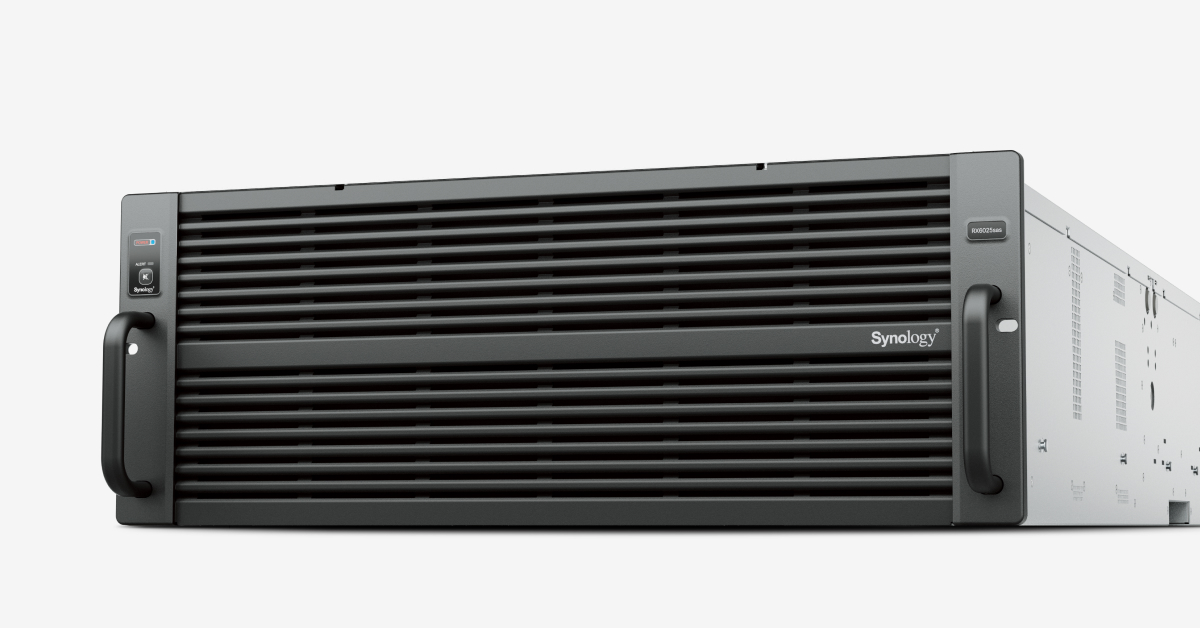 Synology RX6025sas
RM 40,709.00
Synology RX6025sas
RM 40,709.00
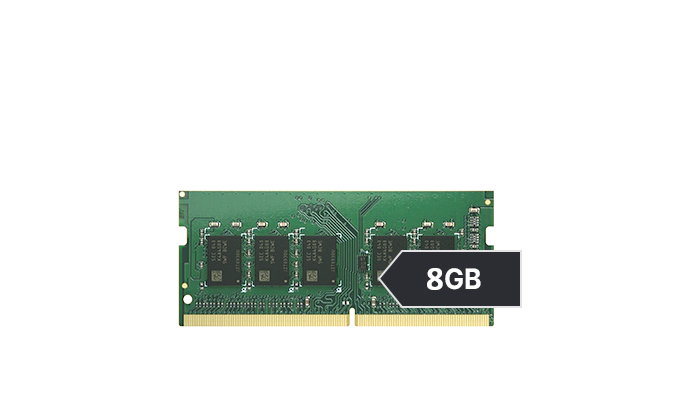 Synology D4ES03-8G 8GB RAM MODULE for DS925+
RM 2,459.00
Synology D4ES03-8G 8GB RAM MODULE for DS925+
RM 2,459.00
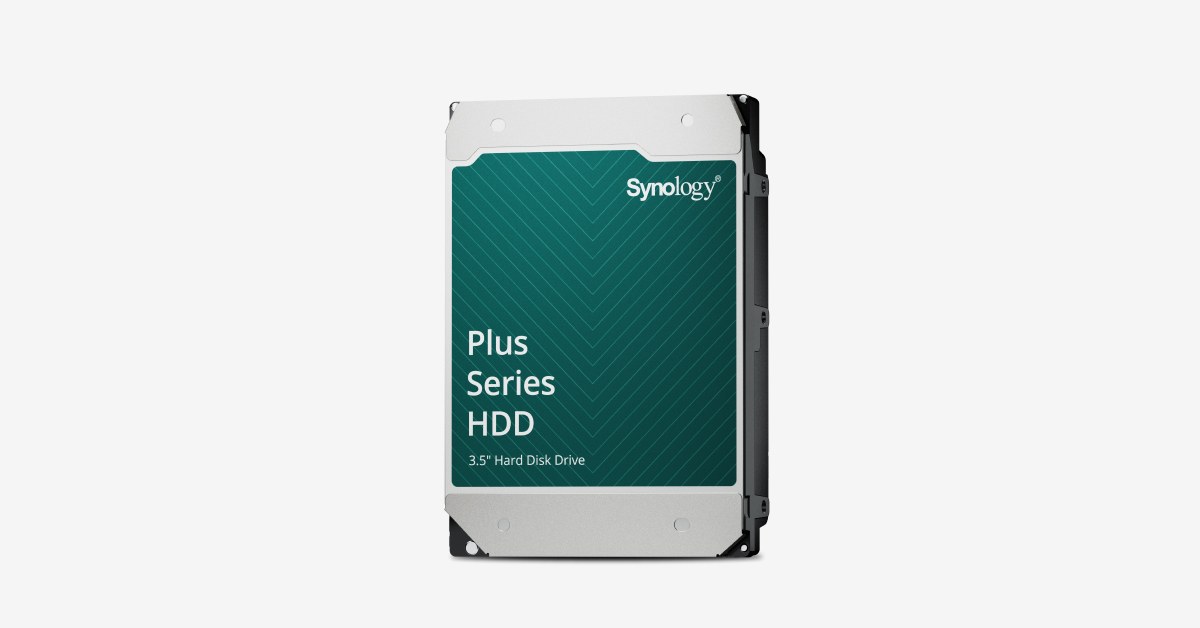 Synology HAT3320-8T 8TB 3.5”
RM 2,209.00
Synology HAT3320-8T 8TB 3.5”
RM 2,209.00
Frequently asked questions
What is the 3-2-1 backup rule?
Three copies of your data, stored on two different types of media, with one copy kept off-site. The rule protects against hardware failure, malware, and physical disasters. It is 30 years old and still the standard.
How much does 3-2-1 backup cost for a small business?
A local NAS starts at a few thousand ringgit. Cloud storage for three years of backups costs a few hundred ringgit per month. Total cost depends on data size and retention, but it is far cheaper than recovering from ransomware or data loss.
Can ransomware delete my cloud backup?
No, if it is set up correctly. Cloud backups with object-lock retention and separate login credentials cannot be deleted by an attacker who owns your network. They need separate credentials to touch the vault.
How often should backups run?
Fast-changing data like email and documents: every 15 minutes. Slower data: daily or weekly. The schedule depends on how much work you can afford to lose. A restore test on your schedule proves what the real recovery time will be.
Do I really need to test restores?
Yes. A backup that has never been restored is a hypothesis. Restore testing on a schedule — a file one week, a folder the next, a whole VM after that — proves your backup works before the emergency happens.
Talk this through with an engineer
Free, technical, and specific to your site — that's the consultation.
Book a Consultation